


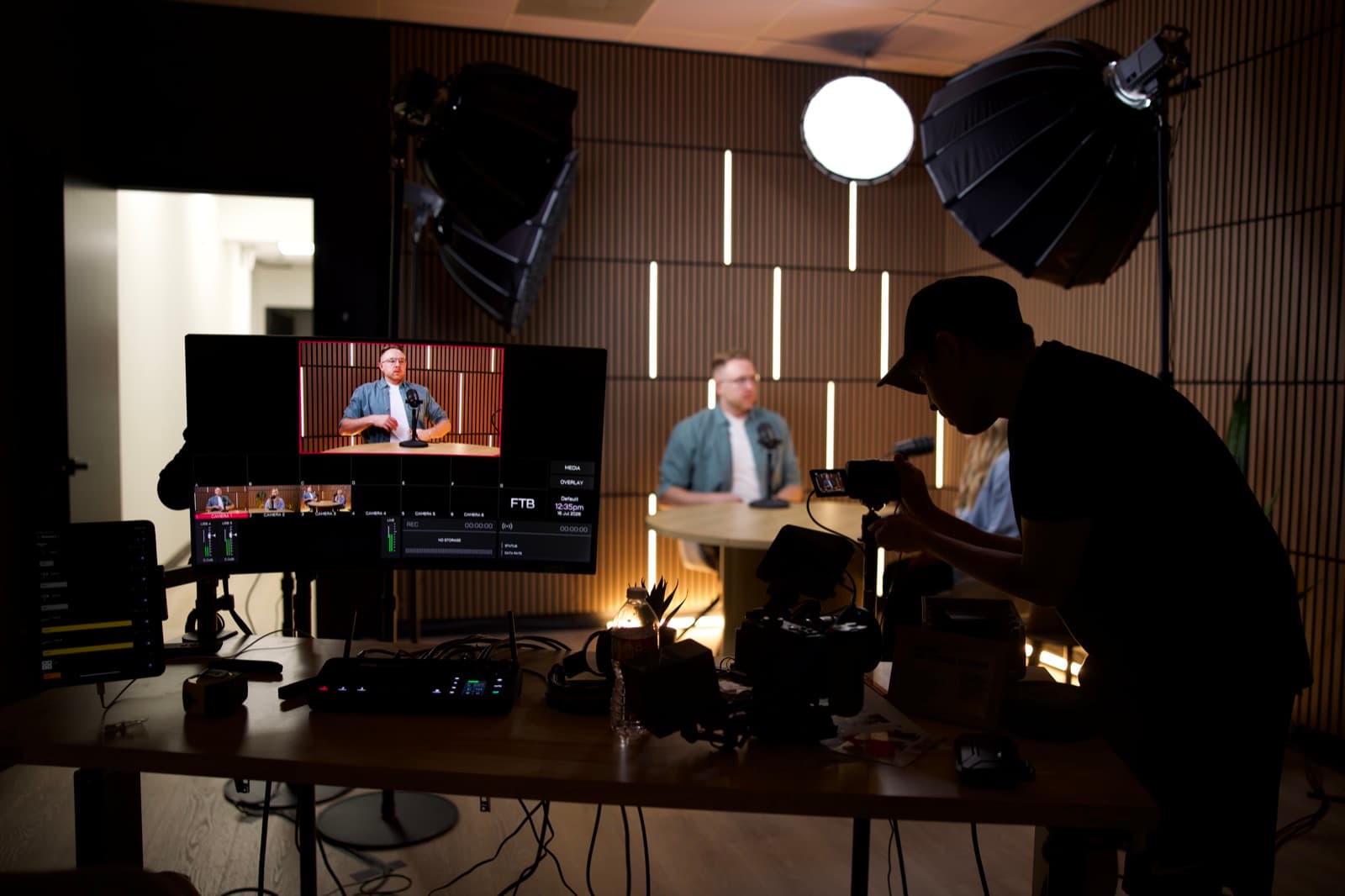
The camera is rarely the first problem.
Most projects get stuck because the team has not agreed on what the video needs to say, who it needs to move, or who can approve it. Those questions are cheaper to settle in a conference room than on a set.
Use this checklist before the kickoff call or as the agenda for it.
1. Define the job
Finish this sentence:
This video needs to help __________ understand __________ so they will __________.
For example:
This video needs to help experienced engineering candidates understand how our teams solve hard problems so they will apply for open roles.
That sentence gives the project a direction.
Checklist
- We can name the business or communication goal.
- We know the primary audience.
- We know what the viewer should think, feel, or do next.
- We know where the video will appear.
- We know how the team will judge success.
2. Choose one primary audience
A video can reach several groups. It still needs a first audience.
Employees, customers, recruits, donors, board members, investors, and the general public arrive with different context and different questions.
A recruiting film may include useful brand material, but it should speak clearly to the person considering a job. A donor story may help employees feel proud, but it should still show a donor why the work deserves support.
Checklist
- We have one primary audience.
- We understand what that audience already knows.
- We know what they may doubt or misunderstand.
- We know the language they actually use.
- Secondary audiences will not pull the message off course.
3. Reduce the message
Ask every stakeholder to write the one sentence the viewer should remember.
Then compare the answers.
When five leaders provide five different sentences, you have found the real pre-production work.
The final message should be specific enough to guide story choices. “We care about people” is broad. “Our field teams can reach a customer within two hours because local technicians carry the most common parts” gives the production something to show.
Checklist
- We have one core message.
- Supporting points fit under it.
- Claims have an approved source.
- Industry language has been translated for the audience.
- The call to action is clear.
4. Gather proof
A corporate video becomes more credible when the audience can see the claim.
Proof may include:
- a customer or employee story
- a real process
- a product in use
- a before-and-after example
- an approved result
- a specific moment
- an expert explanation
- an environment the viewer recognizes
If the company says the culture is collaborative, show people solving something together. If the service is responsive, show the system that makes responsiveness possible.
Checklist
- We have examples that support the message.
- Results and numbers are approved.
- Customer, employee, and partner permissions are clear.
- Locations and activities can be filmed safely.
- We know which proof belongs on camera and which belongs in graphics or copy.
5. Choose the right people on camera
Choose each speaker for the part of the story they can tell best.
Use leaders for vision, decisions, and meaning. Use employees for process and lived experience. Use customers or partners for outside credibility. Use a narrator when the story needs a clean thread between several voices.
Checklist
- Each speaker has a clear role in the story.
- Speakers are available for the real schedule.
- We have backup options.
- We know who needs interview prep or teleprompter support.
- Releases and internal permissions are handled.
- Pronunciation, accessibility, and language needs are known.
6. List the full deliverable family
Do not stop at the hero video.
List every final use you already know about:
- website hero or About page
- sales presentation
- recruiting page
- conference screen
- paid ad
- organic social
- internal town hall
- lobby display
- media or partner toolkit
Then define the formats:
- Main video length
- Short cutdowns
- Horizontal versions
- Vertical versions
- Square versions
- Silent or caption-first versions
- Captions and transcript
- Language versions
- Clean version without graphics
- Stills or thumbnails
A deliverable planned before production can shape framing, scripts, and coverage. A surprise vertical request after the shoot gives the editor fewer choices.
7. Build the approval chain
Write down who can decide.
A healthy approval plan includes:
- one project owner
- named stakeholders
- one person who consolidates notes
- legal or compliance reviewers
- executive approver
- feedback deadlines
- a method for resolving conflicting notes
Checklist
- One person owns the final client response.
- Decision-makers will review the treatment or script early.
- Claims are approved before production.
- Feedback windows are on calendars.
- The team understands what happens when approval is late.
8. Plan the shoot around reality
A location may look right and still be wrong for production.
Consider:
- sound
- power
- light
- access
- parking and load-in
- working hours
- customer or employee traffic
- safety
- weather
- confidential information
- branding visible in the background
- accessibility
- time needed to reset rooms
Checklist
- The location supports the story.
- Sound and light have been considered.
- Access and permissions are confirmed.
- The schedule includes load-in, setup, meals, media, and strike.
- The people being filmed can arrive on time.
- A weather or operational backup exists where needed.
9. Set a budget and protect the date
Share a real range. A producer can build a better plan with a boundary.
The budget should account for:
- creative development
- pre-production
- crew and equipment
- studio or location
- talent
- travel
- post-production
- graphics and music
- versions and captions
- third-party costs
- contingency
Checklist
- The budget owner is involved.
- The proposal includes assumptions and exclusions.
- Payment and deposit timing are understood.
- The shoot date is held through the required agreement and payment.
- Added scope has an approval process.
10. Plan distribution before delivery
A final file is not a distribution plan.
Decide:
- who uploads the work
- which pages or channels will use it
- when it launches
- what copy and thumbnail it needs
- whether paid media is involved
- how sales, recruiting, or development teams will access it
- how performance will be measured
- how the content will be reused
Checklist
- Every deliverable has an owner and destination.
- Platform specifications are known.
- Launch copy and thumbnails are assigned.
- Tracking or measurement is ready.
- The internal team knows the content exists and where to find it.
- Final files and source footage will be organized and archived.
A one-page corporate video brief
Copy this into your project document:
Project name:
Primary audience:
Goal:
Viewer action:
One message to remember:
Proof or stories available:
People on camera:
Main deliverable:
Supporting versions:
Where the content will run:
Required launch date:
Budget range:
Project owner:
Final approver:
Legal or compliance needs:
Known location or schedule constraints:
What would make this project successful:
What this means for your project
You do not need every production detail before the first call.
You do need enough agreement to keep the project from becoming five different videos inside one scope.
Lock the audience, goal, message, proof, approval chain, and destination. The production team can help shape the creative and logistics from there.